Start here
Adding things to the pile
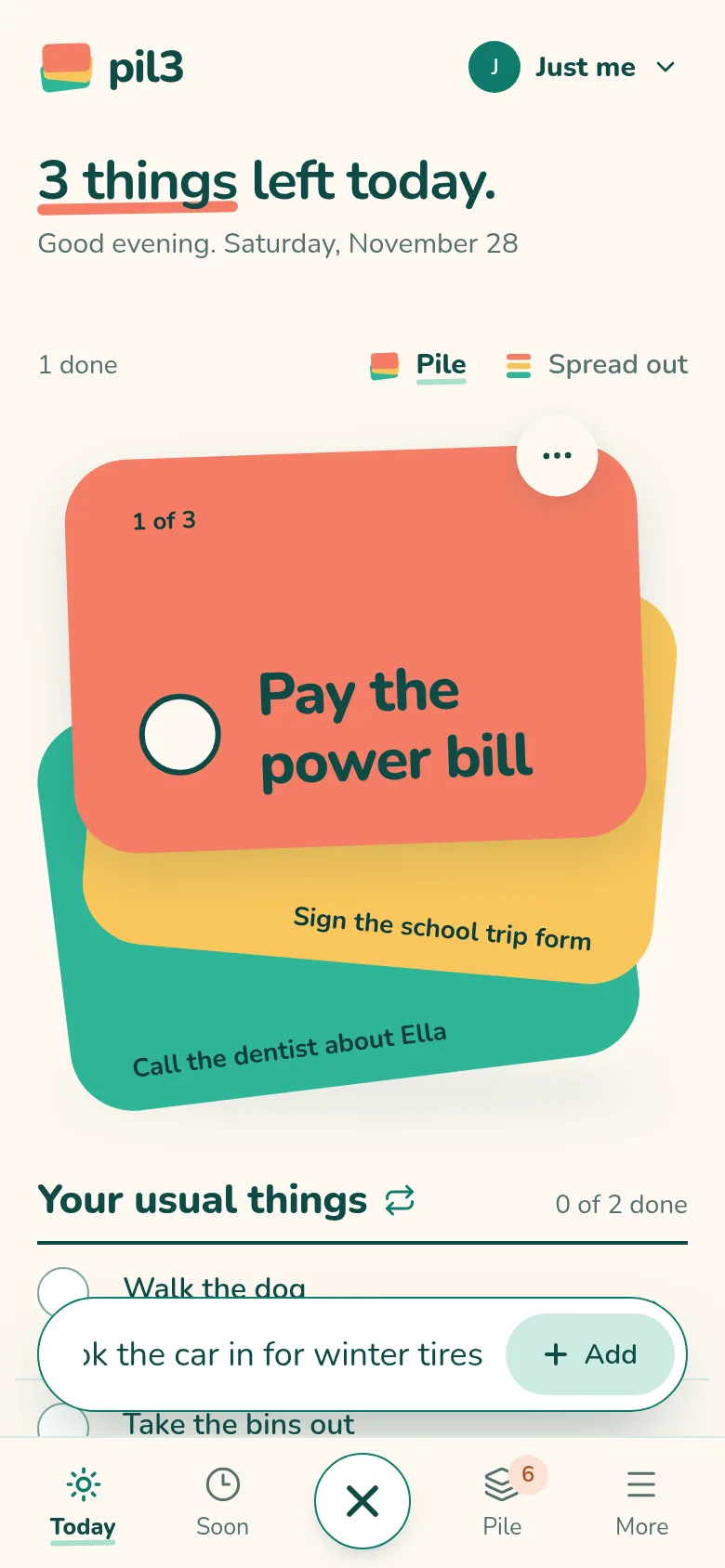
One box at the foot of every screen. Type it, press Enter, and it is on the pile.
There is one way in: the add box at the foot of every screen. Whatever it is, a bill, a form, a call to make, it starts there.
- Click the box at the foot of the screen (or press / from anywhere).
- Type the thing in your own words, like "Renew my passport".
- Press Enter. The box empties, ready for the next one.

It goes on the pile. You do not have to choose a day, a list or a category. That comes later, when you sort.
On a phone
Tap the pile in the middle of the bottom bar. The add box opens; type and press Enter. Tap it again to close the box.
If it does not save
If pil3 cannot reach the internet, it puts your words back in the box, or keeps them in a message with "Try again". Nothing you typed is lost.