People and settings
Emails and notifications
A weekly reminder to sort, an optional morning email, and news on your phone. Never a nag.
pil3 only tells you news about your household. It never nags you about a thing left undone, and never sends the same thing twice a day.
Emails
- A pile to sort: once a week, on your sorting day, only if your pile has something on it. On to start with.
- Your 3 each morning: off to start with.
Notifications on your phone or computer
Once notifications are on, you pick what you hear about:
- your 3 each morning, with anything to pay or renew,
- on your sorting day, when there is a pile to sort,
- when someone hands you something,
- when someone finishes a thing that was yours, or anyone's,
- one line each evening: what the others finished,
- Money: what to put in, and when someone does.
The ones about other people only show in a shared household.
Changing them
- Open Settings, then Emails and sorting.
- Switch each email and each kind of notification on or off. They are yours alone.
- For notifications, press Turn on notifications once on each phone or computer.
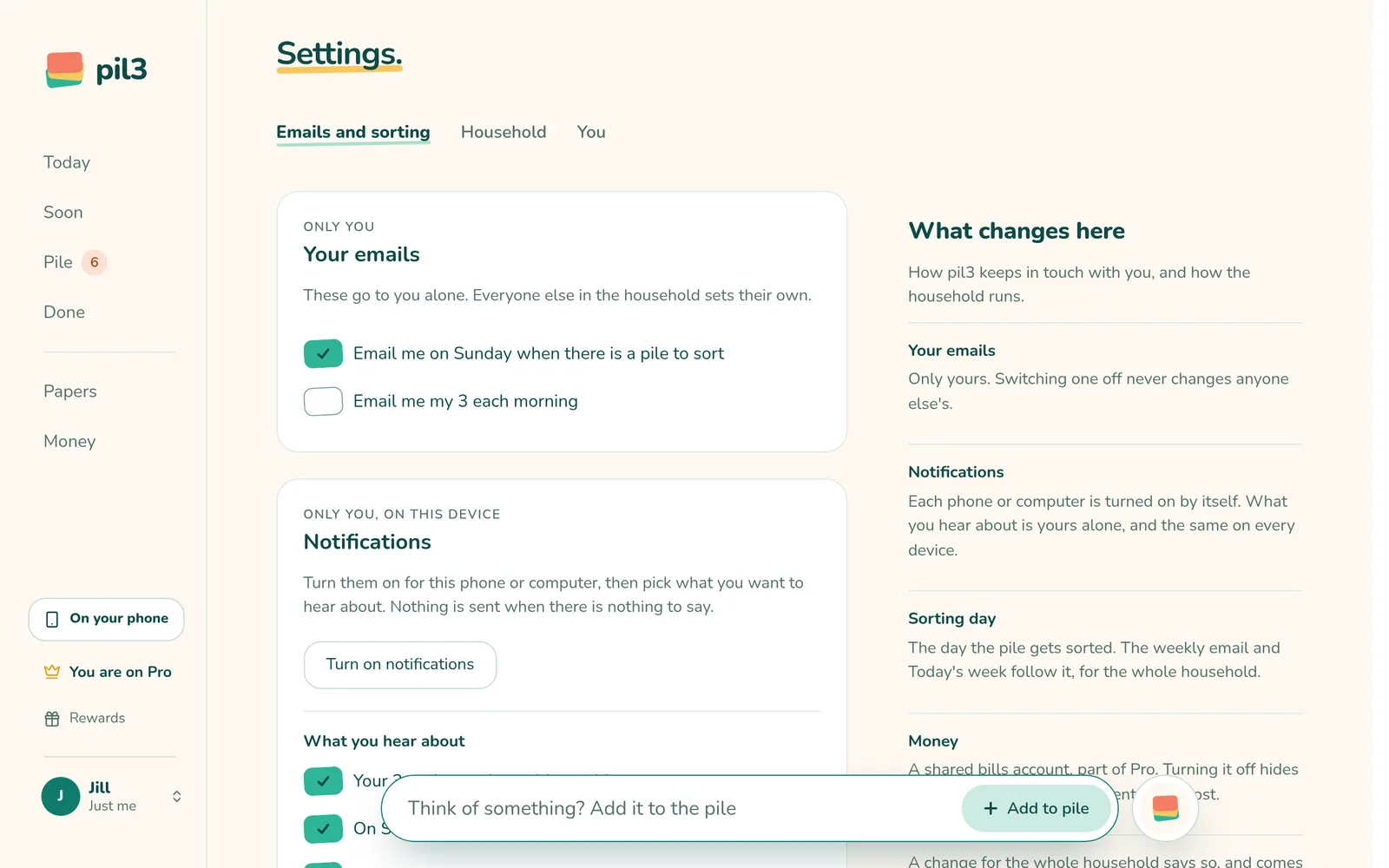
The sorting day is also set here, and it is the same for the whole household.