People and settings
Sharing pil3 with your household
Invite the people you live with, so a thing can be yours, theirs, or up for anyone.
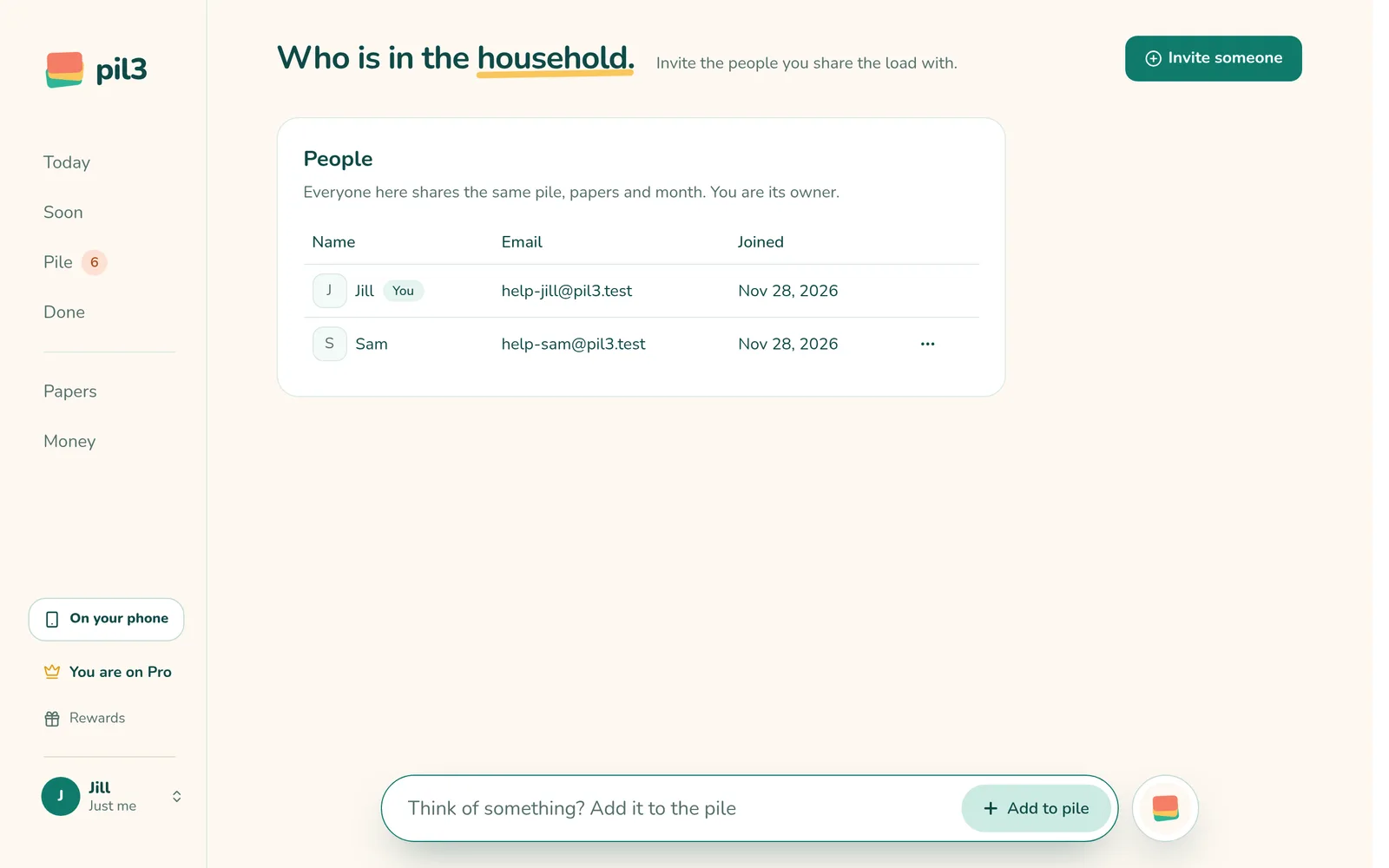
A household can share one pil3: one pile, one Today each, one Papers and one Money.
Inviting someone
- Open People (or Manage people, under your name at the foot of the menu) and press Invite someone.
- Type their email and send.
- They get an email with a link. Once they join, they see the household.
Whose things
Every thing belongs to one person, or is up for anyone. A new thing is yours.
- Whose things picks whose you are looking at (on a computer, press your name at the foot of the menu; on a phone, the name at the top right): Everyone, Just me, or one person. "Just me" includes things up for anyone. Today, Soon and the pile always agree.
- Who on a thing hands it to someone else. They are told.
When someone finishes a thing you had a stake in, you can be told. See Emails and notifications.
If someone leaves
Their things go to anyone, so nothing is dropped.